mdpeek Pro
Commercial edition · v0.1.1
AI for your writing. Not your data.
A powerful AI workspace for Markdown, with your models, your keys and your files.
macOS 11.0+ · 11.6 MB
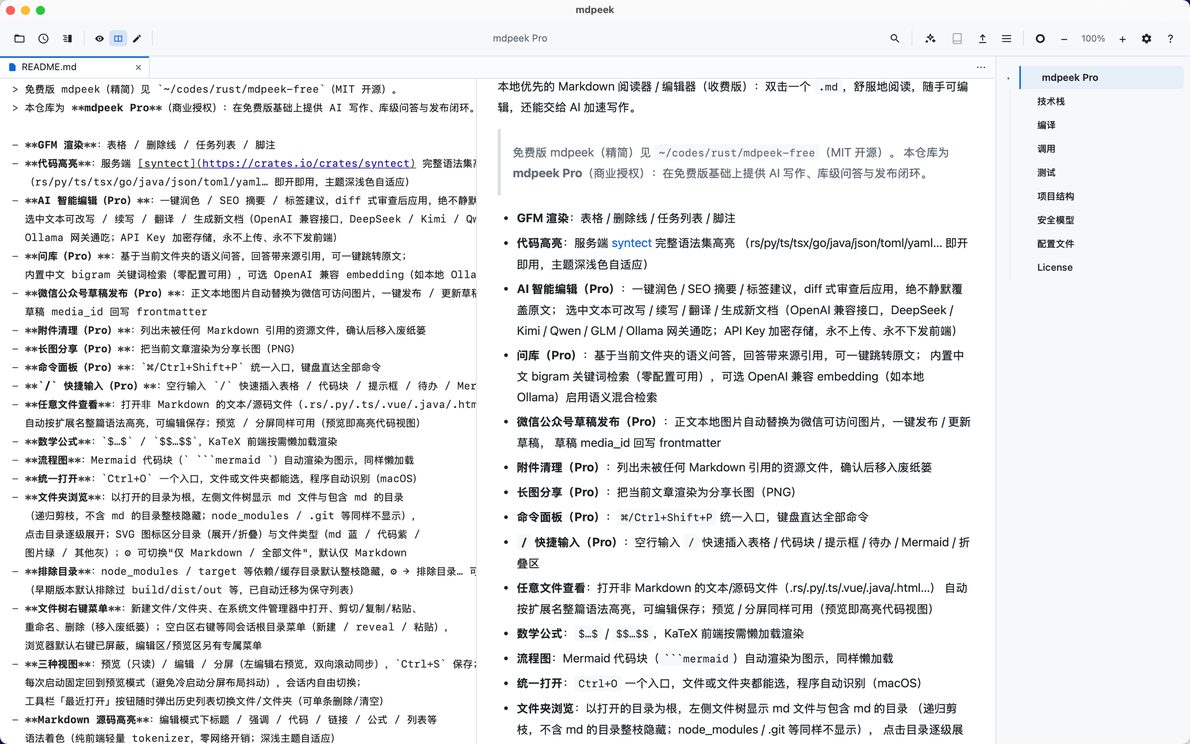
A look inside
See it in action
Scroll →
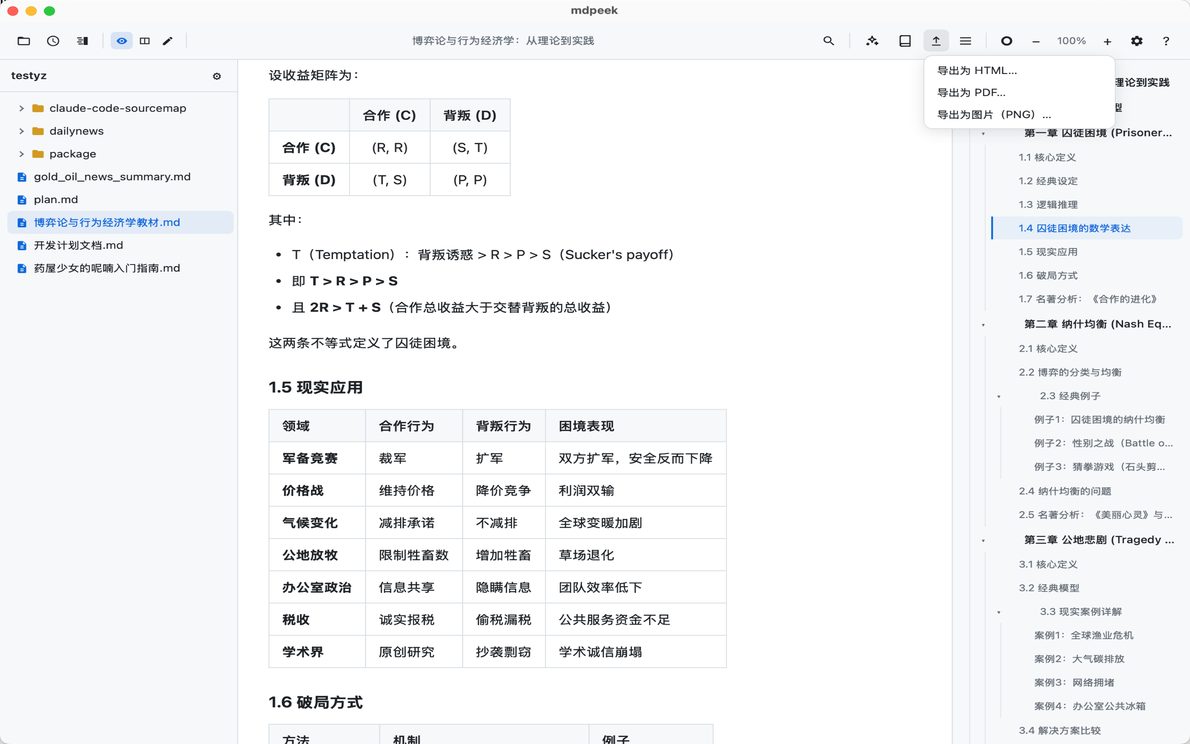
Everything in free — plus AI that speeds up writing
mdpeek Pro is the commercial edition of mdpeek. All of the free edition is here — local-first, quietly designed, full GFM — plus a set of capabilities aimed at professional writers.
What Pro adds
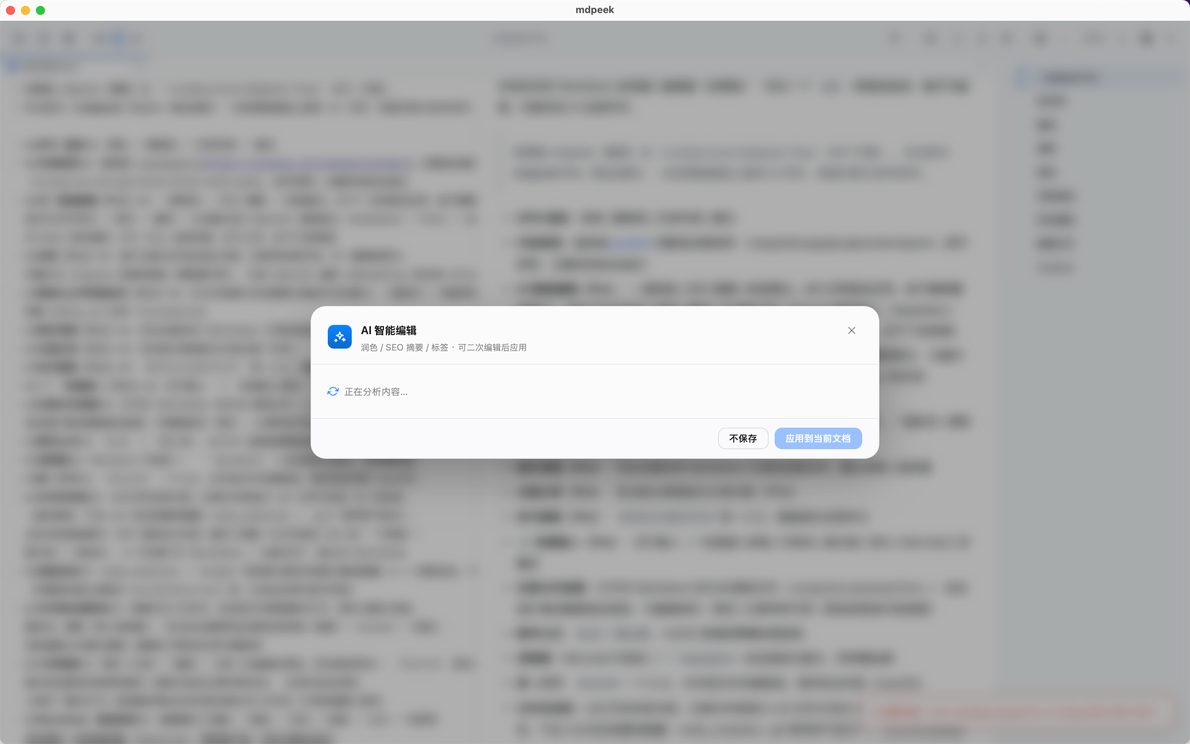
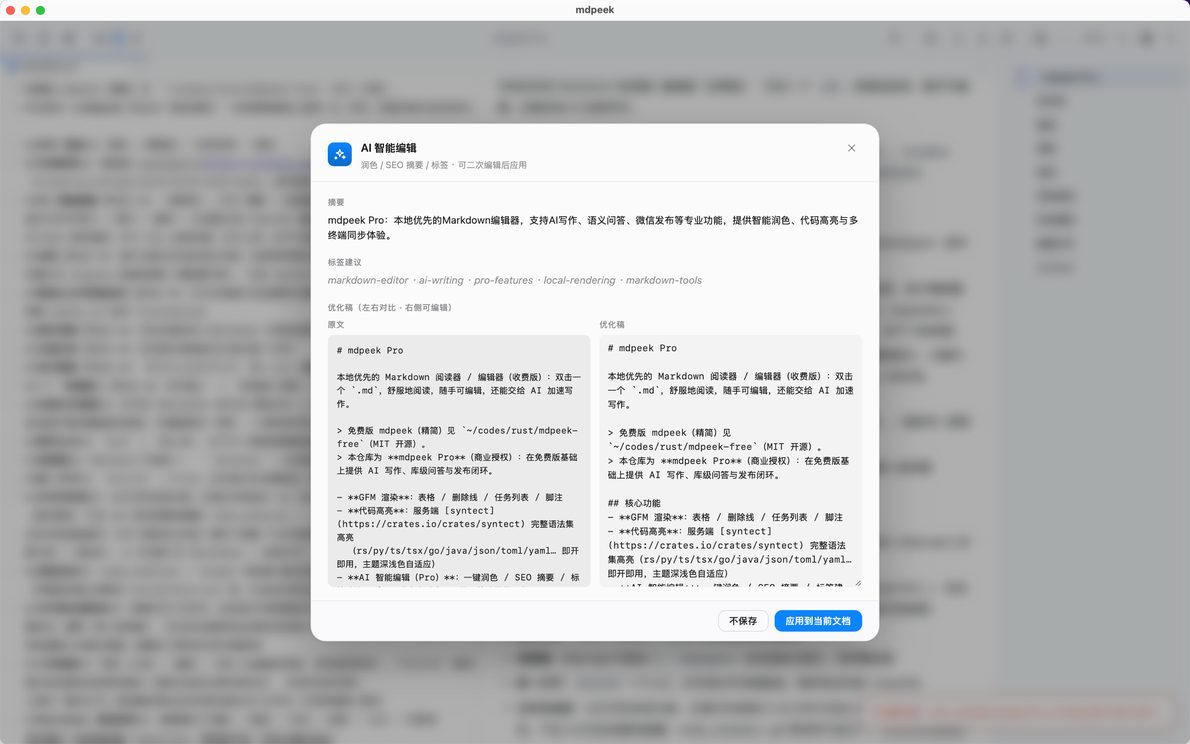
- AI editing — polish / SEO summaries / tag suggestions; rewrite / continue / translate selections into new drafts. Diff-style review, never silently overwrites. OpenAI-compatible: DeepSeek, Kimi, Qwen, GLM, Ollama.
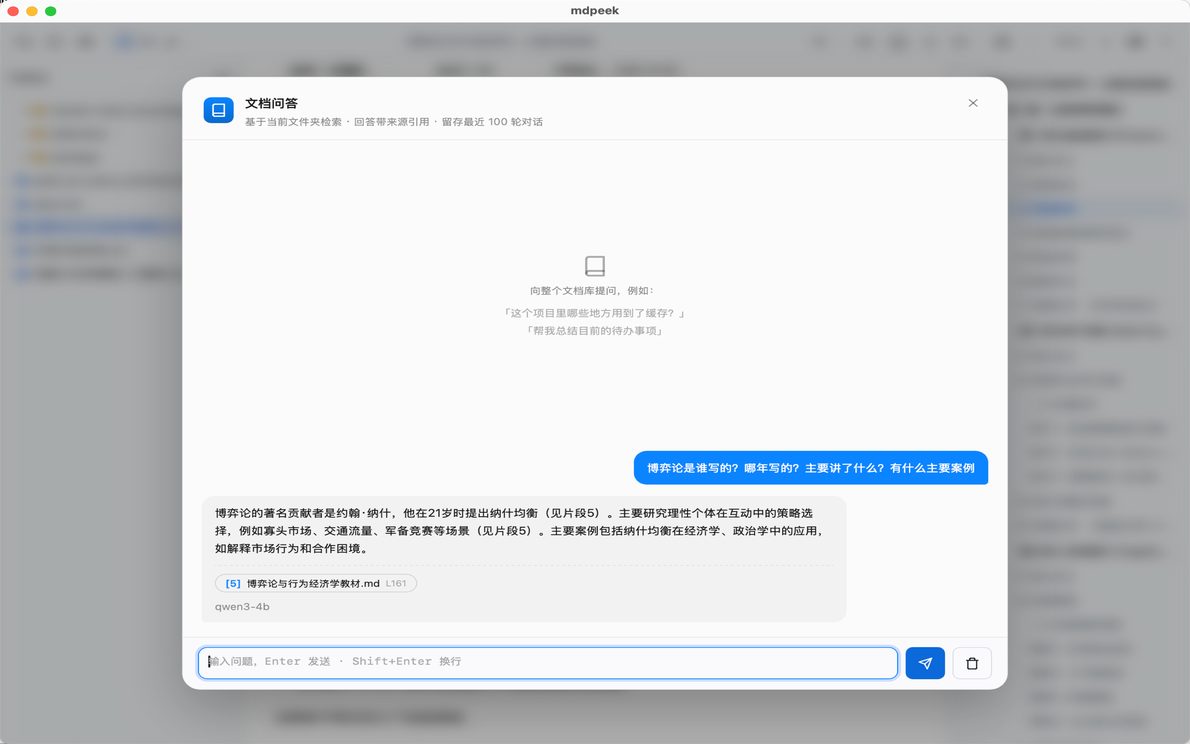
- Document Q&A — vault-wide retrieval answers with source citations and one-click jumps. Built-in Chinese bigram search works offline.
- Wiki links & backlinks — auto-detected
[[wiki-links]]and a backlinks panel. - Clean attachments — list unreferenced assets and move them to trash.
- Share as long image — render the current article as a shareable PNG.
- Command palette & snippets — ⌘/Ctrl+Shift+P for every command; type
/to insert tables, code blocks, callouts, todos, Mermaid, foldouts.
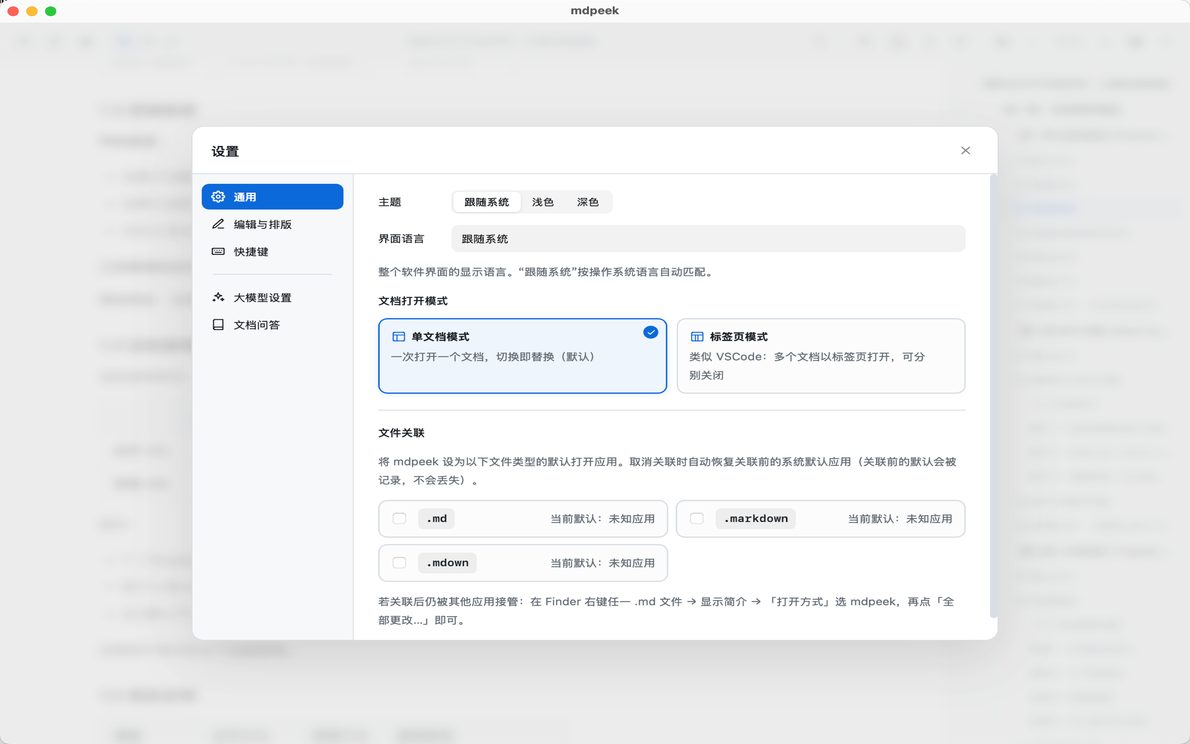
API keys are encrypted locally. Never uploaded, never sent to the front-end.
Capabilities
Features that earn their place
AI editing
Polish, continue, translate, SEO summaries — diff-style review, never silent overwrites.
Document Q&A
Vault-wide retrieval Q&A with source citations and one-click jumps.
Wiki links & backlinks
Auto-detect [[wiki-links]] with a backlinks panel for your knowledge network.
Clean attachments
List unreferenced assets and move them to trash after confirmation.
Share as long image
Render the current article as a shareable long image (PNG).
Command palette & snippets
⌘/Ctrl+Shift+P for every command; type / on an empty line to insert tables, code blocks, callouts, todos, Mermaid, foldouts.
- 6
- Pro-only features
- 本地
- Encrypted key storage
- 0
- Telemetry & tracking