mdpeek
Free edition · v0.1.1
Markdown. Finally at home on Mac.
A fast, native Markdown reader and editor, built for people who care about their files.
macOS 11.0+ · 10.1 MB
A look inside
See it in action
Scroll →
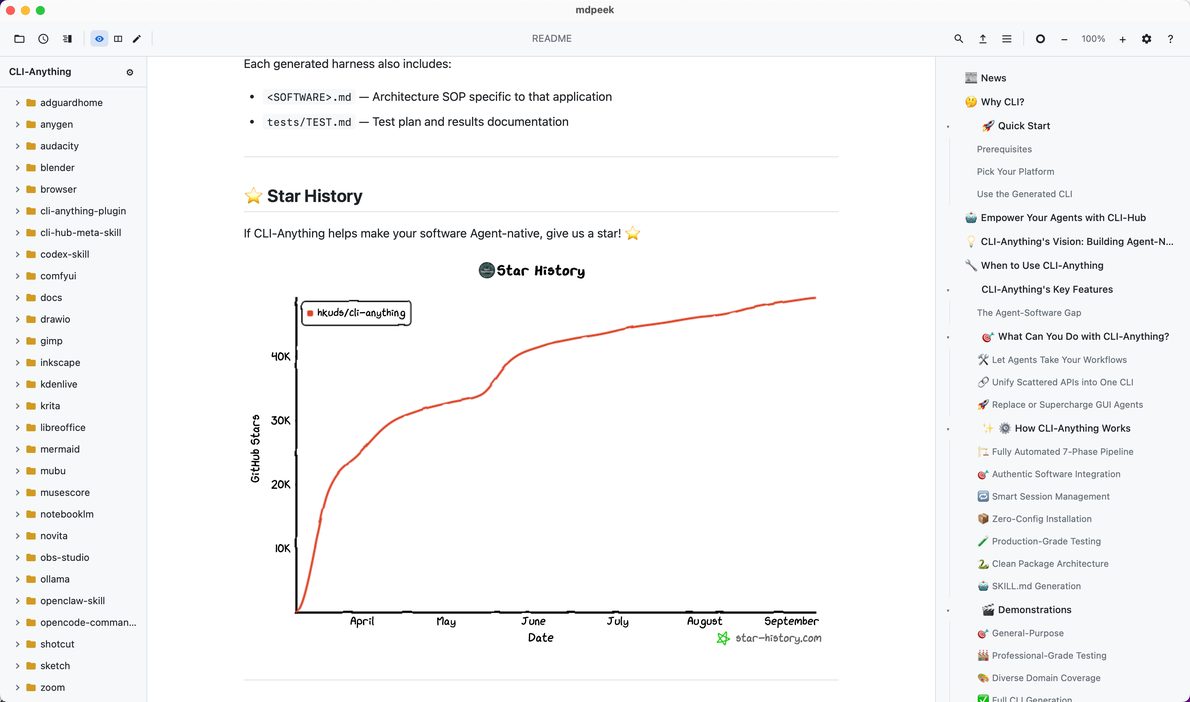
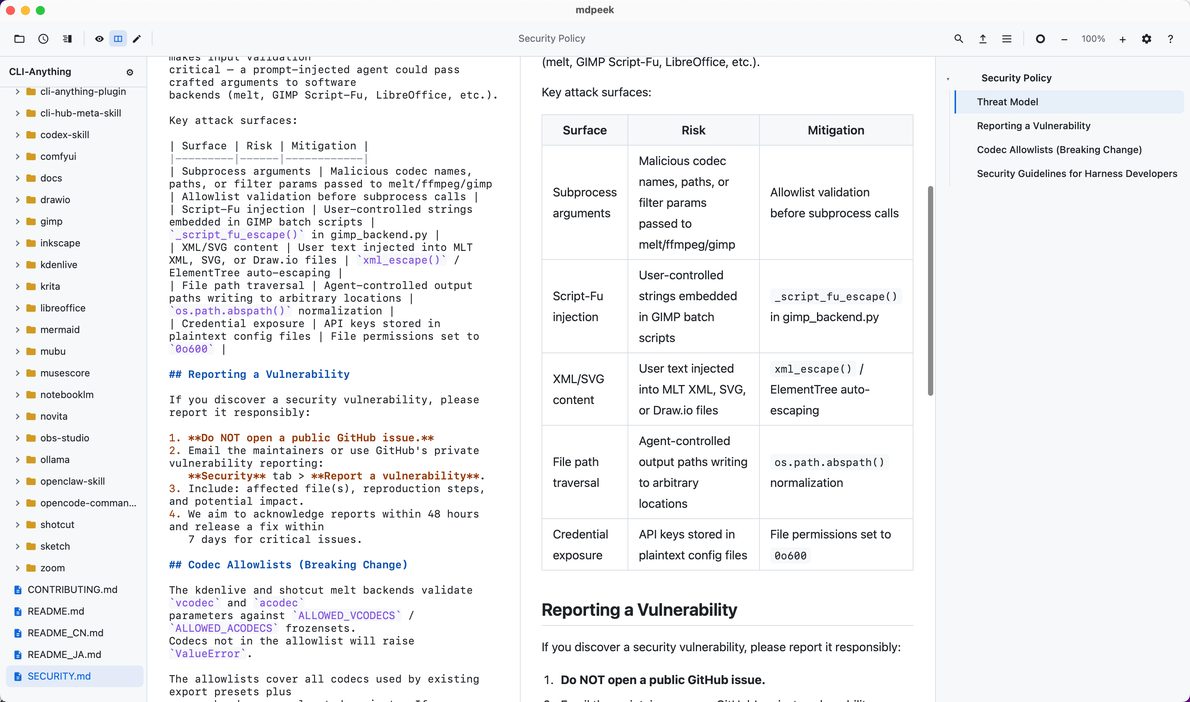
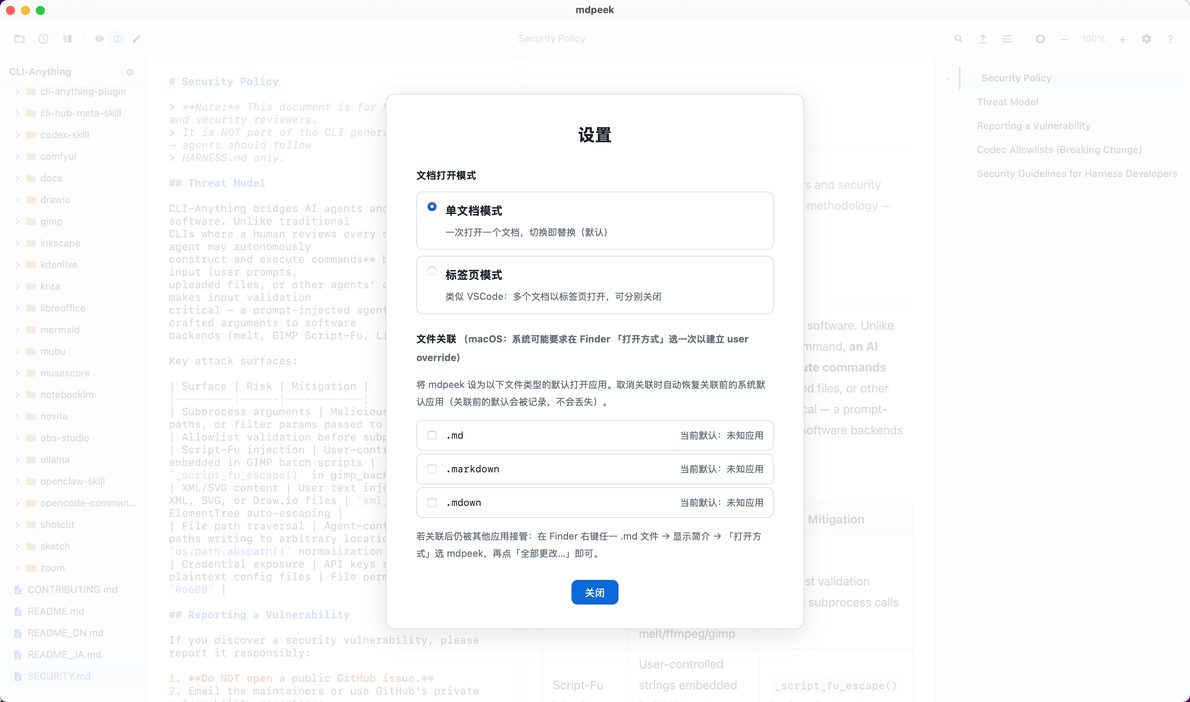
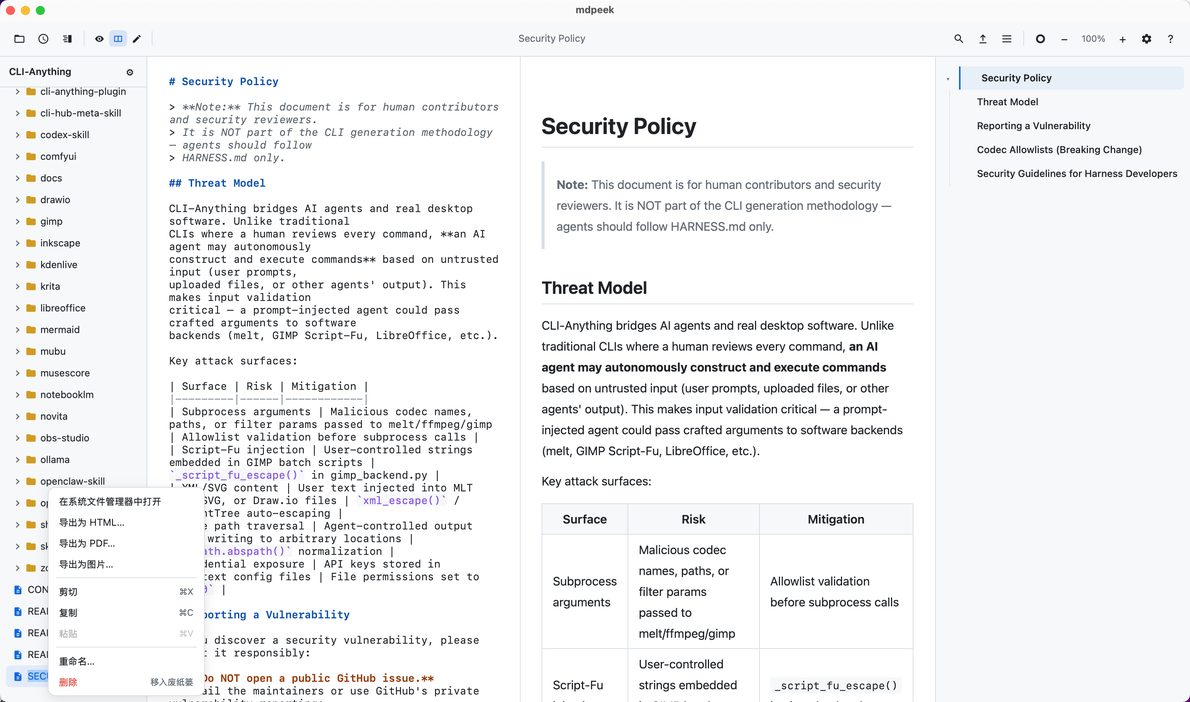
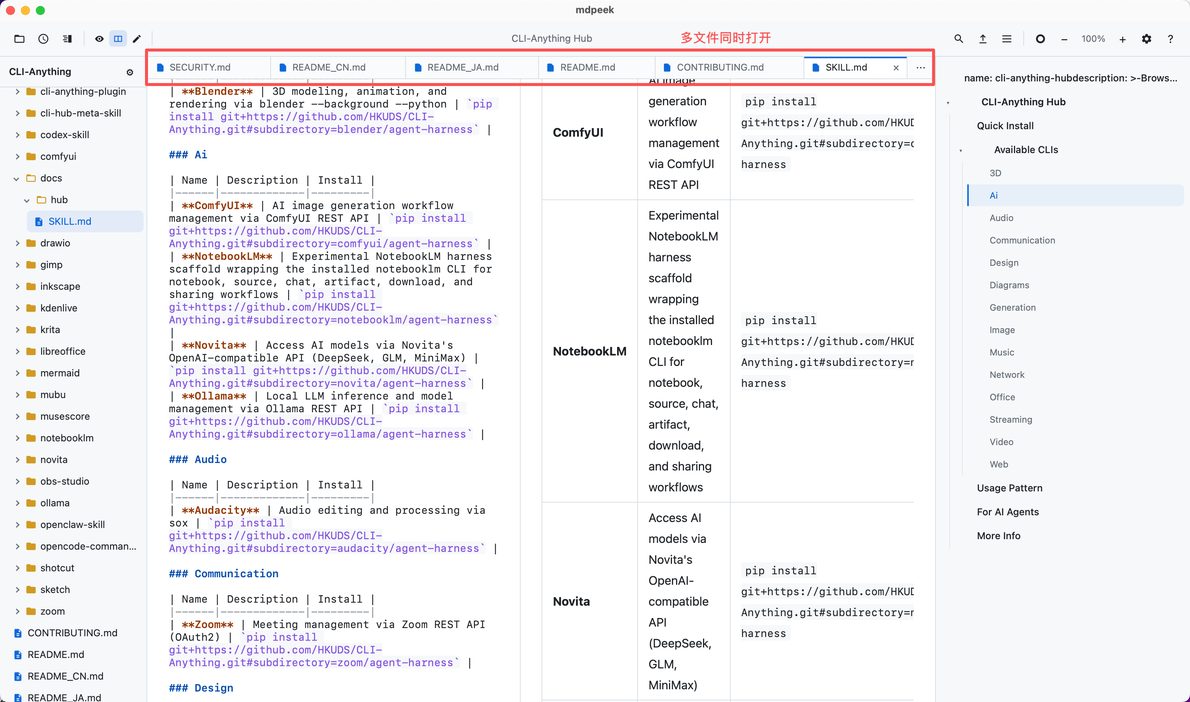
Read well. Edit calmly.
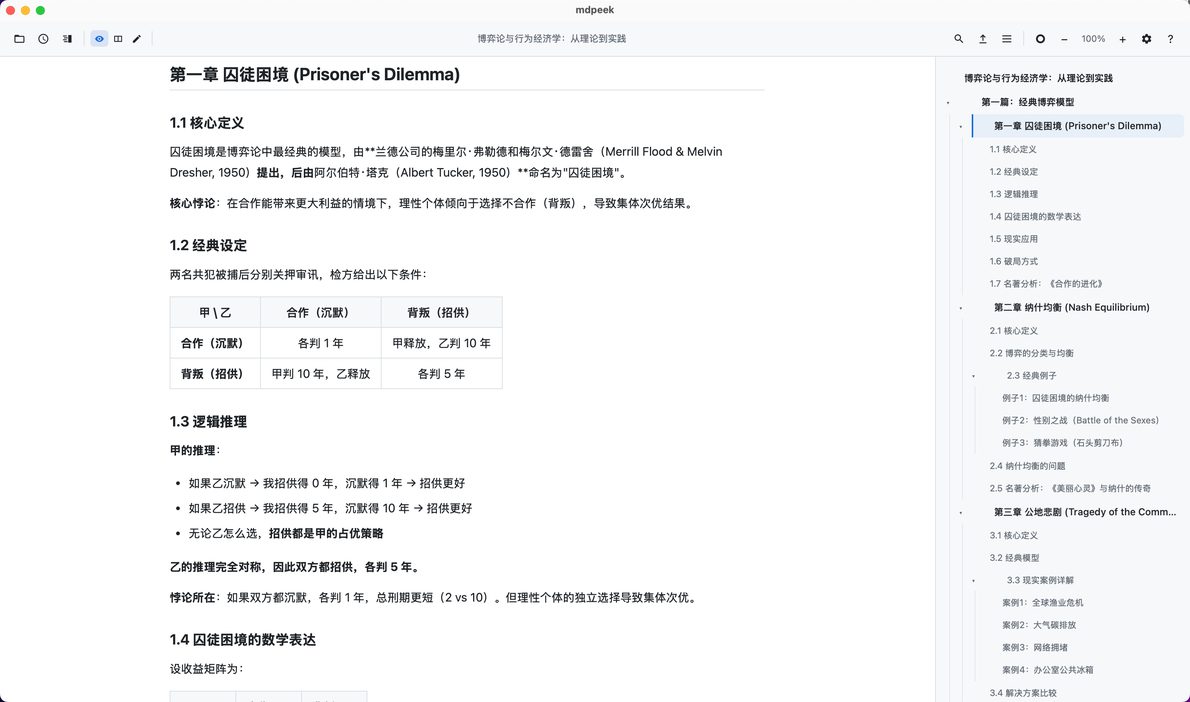
mdpeek is a native macOS Markdown reader & editor, built on the system WebView — fast to launch, small in size, gentle on battery. Double-click a .md and read comfortably, edit at will.
Preview / edit / split — switch instantly. Side tree and outline keep long documents manageable. Light/dark follows your system.
Crafted for reading and writing
- Full GFM — tables, strikethrough, task lists, footnotes
- Code highlighting — syntect's full language set, adaptive themes
- Math & diagrams — KaTeX and Mermaid, lazily loaded
- Any file viewer — source files auto-highlighted by extension
- Folder browsing — dependency directories quietly pruned
- Safe saves — atomic writes with mtime optimistic locking
- In-page search / recents / reading position memory
Free, no in-app purchases, local-first — your files stay on your device.
Capabilities
Features that earn their place
Full GFM
Tables, strikethrough, task lists, footnotes — full GitHub Flavored Markdown, preview as you read.
Code highlighting
syntect covers the full language set — Rust, Python, TypeScript, Go, Java — adaptive to light and dark.
Math & diagrams
KaTeX math and Mermaid diagrams render automatically, lazily loaded.
Three views
Preview, edit, split — one toggle, synced scrolling. New windows start in preview.
Folder-aware
Folder-rooted file tree with type icons; dependency directories quietly pruned.
Local-first
No cloud, no telemetry, no IAP. Your files and data stay on your device.
- 10.1 MB
- Install size
- 0
- Telemetry & tracking
- MIT
- Open source
Specifications
Compare
Free vs Pro
Free covers the essentials; Pro adds AI and publishing for serious writers.
mdpeek
Free
mdpeek Pro
Pro · Now on App Store
Pro is a commercial license; pricing arrives with the Mac App Store launch.